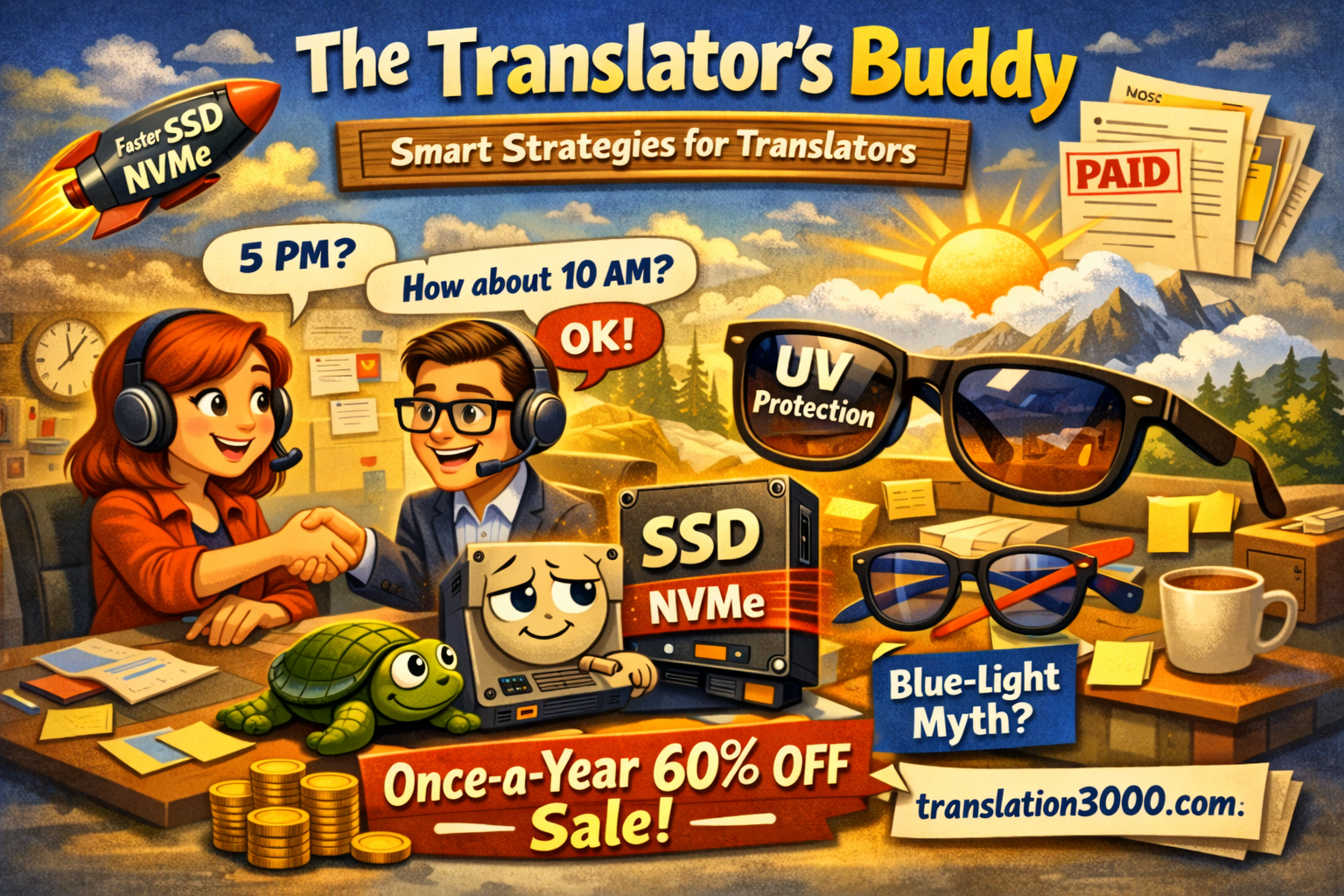
Don’t say no too fast — negotiate the deadline instead. Plus: the one hardware upgrade that actually matters, and we dismantle another eye-care myth.
The Translator’s Buddy
ISO Week 14 · April 2026 · Issue #4
Hi and welcome 👋
This issue comes with a small delay thanks to the holiday season. But better late than never — and the delay actually fits today’s first topic surprisingly well.
Because one of the easiest ways to lose a project is to treat every tight deadline like a final answer.
Sometimes it is final. But quite often, it’s just the first offer. 🤷
Topic two: the cheapest hardware upgrade that still improves your daily work more than most software subscriptions. (Spoiler: it’s not RAM.)
And topic three picks up where last issue left off. We already knocked one eye-care myth off its pedestal — the famous 20-20-20 rule. This time I wanted to talk about what actually helps. And yes, we’ll dismantle one more myth while we’re at it.
🤝 Don’t Say No Too Fast
A client writes: “Hi, can you do 3,200 words by 5 PM?”
And a lot of translators instantly sort that into two boxes: yes or no. Feels efficient. Costs money. 💸
Here’s the thing — a deadline isn’t always a fixed fact. Sometimes it’s the client’s ideal outcome. Sometimes it’s what the PM was told to ask for to have an extra 1-2-3-7 day “safety buffer.” Sometimes it’s simply the first version of reality before anyone starts negotiating with actual human limits.
So when a job doesn’t fit, the smartest answer is often not “Sorry, no.” It’s something like:
“I can’t do 5 PM, but I can deliver by 10 AM tomorrow.”
Or: “I can do half today and the rest first thing tomorrow.”
Or: “I’m not available for the full file today, but if staged delivery helps, I can take the first part.”
That one habit changes more than people think. Once you say no, the conversation usually ends. Once you offer an alternative, the project stays alive. And PMs aren’t always looking for perfection — very often, they’re looking for a workable plan. 📩
I’ve seen this play out dozens of times over 25+ years. The translators who keep more projects aren’t necessarily faster or cheaper. They’re the ones who refuse to treat the first deadline as sacred — and instead ask: “What version of this can I still make work?”
Obviously, this isn’t an argument for desperation. If the timeline really is impossible, say so. If the subject is outside your competence, decline. If the project would damage work already on your desk, protect the promises you already made.
But when the problem isn’t the job itself — only the timing — negotiation is almost always better than refusal. A surprising amount of work gets lost not because the client said no, but because nobody proposed a second option. And often, the second option was all they needed.
💾 The Easiest Workspace Upgrade That Actually Matters
You know that moment when Windows boots like it needs emotional support first? ☕
You open your CAT tool. It thinks. You open a TM. It thinks. You import a file. It thinks. You launch Outlook, Word, Chrome, Trados, and one terminology sheet — and suddenly the laptop sounds like it’s reconsidering its career choices.
A lot of people try to fix this with discipline. Fewer tabs. Browser extensions. A new “productivity system.” Meanwhile the bottleneck is often much simpler: the drive.
Quick primer
HDD = old spinning disk. If you can hear your storage, that’s the problem.
SSD = flash storage. No moving parts. Much faster. Microsoft says SSDs are now the most common drives in PCs.
NVMe = a protocol that lets some SSDs talk to the computer faster. On paper, 5-6x faster than SATA SSDs. In practice? For translators — opening Word files, loading CAT tools, browsing — the difference is barely noticeable. NVMe shines when you’re copying huge video files or running databases.
M.2 = the shape of the connector, not the speed. Kingston warns: M.2 is not a speed promise — an M.2 SSD can be SATA or NVMe.
Now here’s the part that matters for your invoice rate. 🛠
If you’re still on an HDD — don’t overthink this. Don’t research NVMe vs SATA. Don’t compare benchmarks. Just buy any decent SSD and put it in your machine. Boot time drops from “go make coffee” to “it’s already open.” CAT tools load in seconds instead of staring at you.
If you already have any SSD — SATA or NVMe — you’re fine. Seriously. The bottleneck in your translation workflow is not storage speed anymore. Don’t let tech marketing convince you that you need a faster drive when your current SSD is already doing its job. 🙂
Buying new? Focus on four things:
Compatibility. What does your laptop actually support? Check before you buy.
Capacity. 1 TB is much more comfortable than 256 GB once you add CAT tools, TMs, client packages, backups, and that folder called Final_Final_Use_This_One_Really. 📁
Endurance. Suspiciously cheap drives are often cheap for a reason. Kingston explains endurance in terms like TBW (terabytes written) — how long the drive lasts under daily use.
Role. Fast internal drive for system and active work. External drive for backup. Different jobs. Don’t mix them up.
My rule: translators don’t need the fastest drive on the market. You need one SSD. That’s it. The HDD is the problem. Fix that and move on to things that actually matter.
😎 Last Week We Killed One Eye Myth. Here’s What Actually Helps
Last issue, I went after the 20-20-20 rule — catchy advice that turned out to have surprisingly thin evidence. But once you take away someone’s neat little rule, you should probably replace it with something more useful.
If you work with words all day, your eyes usually suffer from two different problems, not one. And most people only think about one of them.
Problem 1: the screen stuff 🖥
Long sessions, reduced blinking, dry air, glare, hours of near focus. The AAO says digital eye discomfort isn’t caused by blue light — it’s linked to how we use devices, how long, and the environment.
Fixes are boring but they work: real breaks (not 20 seconds — we covered that), deliberate blinking, less glare, humidifier if your air is dry.
Problem 2: UV exposure ☀
Sneakier than most people think. The CDC says UV protection matters all year — not just summer. UV reaches you on cloudy days and bounces off water, cement, sand, snow. The NEI recommends sunglasses blocking 99-100% UVA/UVB, or marked UV400.
Your eyes don’t reset when you come back inside. Walk outside in glare, come back, then spend four more hours in Trados, memoQ, QA checks, PDF comparisons, and one client file that somehow contains twelve font sizes and three shades of yellow. No wonder the afternoon feels worse. 😅
And the second myth 🔬
Blue-light glasses. Sold to screen workers like a miracle. I owned two pairs (both now in a drawer). The AAO says plainly: no scientific evidence that light from computer screens damages your eyes. They don’t recommend special eyewear for computer use.
The 2023 Cochrane review (17 RCTs, 619 participants): no significant benefit. UK Advertising Standards Authority (2015): marketing them as filtering “harmful” light was misleading.
The version I wish someone had told me five years ago: protect from UV outside (real risk). Treat screen strain indoors like the boring ergonomic problem it is. And don’t let eyewear marketing convince you blue light is the villain. The real villain is four hours without a break and a monitor too high in a dry room. Way less instagrammable, but there you go.
📚 For the curious
Deadlines: many “impossible” jobs aren’t impossible. They’re just badly negotiated. Before you say no, ask if there’s a version of yes that works for both sides.
Storage: if you’re on an HDD, any SSD is life-changing. Already on an SSD? Relax. Microsoft’s storage guide is a clean starting point.
Eyes: UV protection outside, ergonomics inside. CDC, NEI, NIH, and AAO are a better source of truth than eyewear marketing copy.
Until the end of this week when the new issue comes,
Volodymyr & the AIT Software Development team
Got a question about translation work, tools, pricing, workflow, or one of those strange little industry problems nobody explains properly? Hit reply. The best ones often become the next issue. 💬
P.S. The 70% launch batch from Issue #1 has been fully claimed. We’ve opened one more small batch for our Once-a-Year Sale: 3 copies of each main product at 60% off. Quietly, and only while they last. 👉 translation3000.com
P.P.S. Coming next: invoicing excellence, why your slow internet might be slowing down your entire computer (spoiler — upload speed matters more than you think, especially if you work in browser-based tools), and the very unglamorous reason your neck deserves more respect than it usually gets. 🦒
What’s the secret behind perfect marketing translation? Translating marketing materials as general copy is like taking an original Vincent van... read more
Practical growth strategies for translators and translation agencies
Join The Translator’s Buddy — a practical bulletin packed with real tips, proven workflows, and hands-on solutions for translators and translation business owners.
Just actionable insights you can use right away to improve productivity, quality, and profit.
Subscribe now and get smarter with every issue.
Also get notified about our special offers and news.